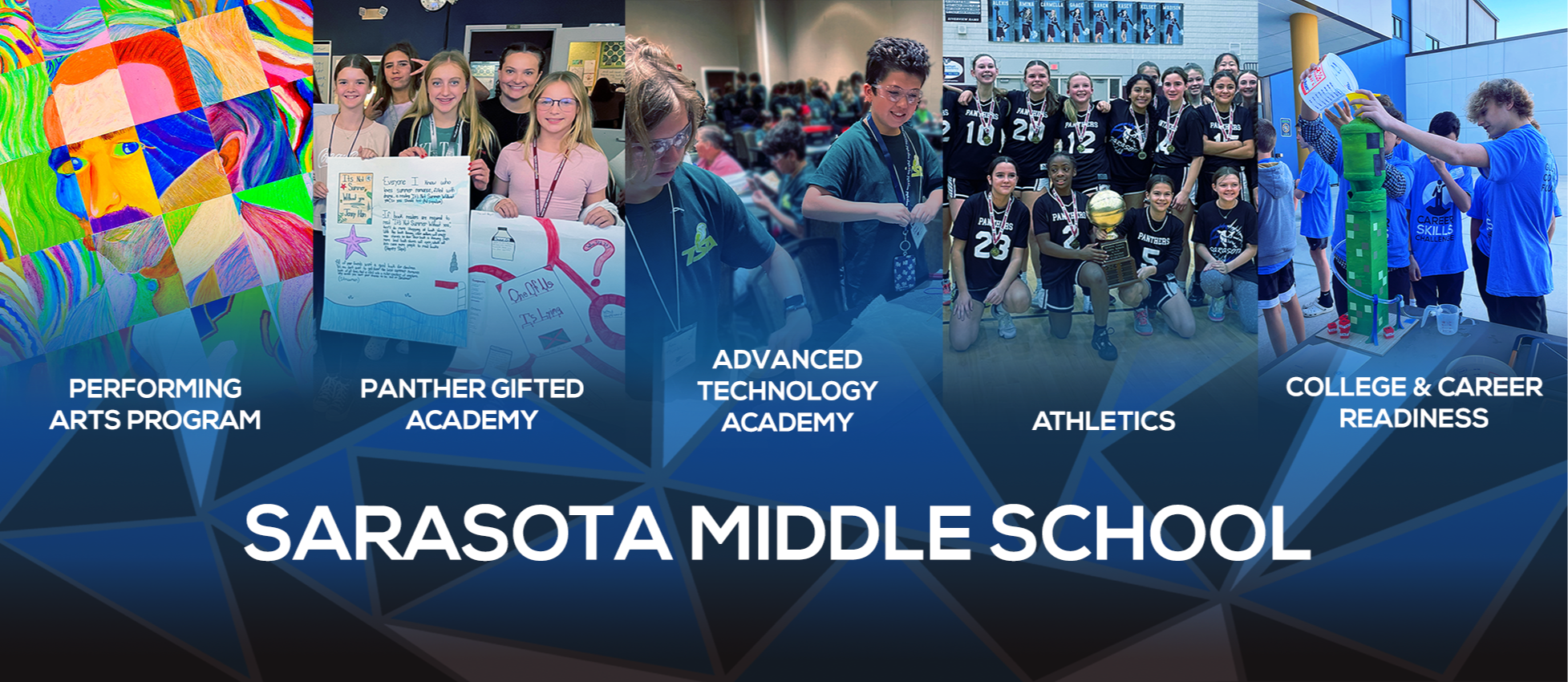
Sarasota Middle School
9:30a – 4:15p | Grades: 6-8 | (941) 361-6464



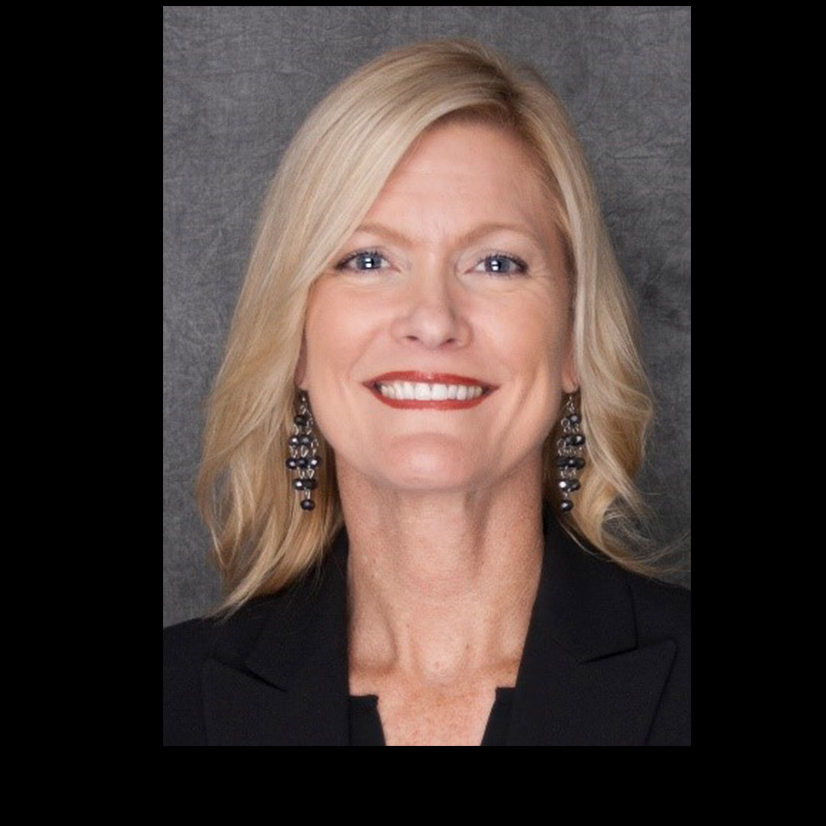
Mission: To help students become critical thinkers who are responsible, productive, and resilient.
Vision: To be a collaborative community that inspires and empowers students by establishing high expectations.
Dear Panther Families,
Remember, our Caps for Cancer Awareness fundraiser is going on now. Students can bring in a dollar to be able to wear their favorite hat or ballcap on Friday, September 18th. Students will receive a wrist band upon donation. Students must wear their bands on the 18th to be able to wear their caps/hats all day (inside the classroom included).
We are also hosting our 5th Annual Childhood Cancer Awareness Art Contest. Through the 18th, students can create a piece of art to be entered into our art contest! Art will be displayed in the cafeteria during lunches starting Monday, Sept. 21st, and students can drop in donations to vote for their favorite art piece. Winners will be recognized on the SMS News the week following GO GOLD DAY, Friday, Sept. 25th! Remember, all donations will go toward the Benjamin Gilkey Fund for Innovative Cancer Research.
Finally, several of our student clubs have started. Please see the Documents to Download section below for more information.
Have a wonderful weekend!
Mrs. Nzeza
Important Dates
9/1-9/30 - Change for Cancer Research Fundraiser
9/12 - Rays Spirit Night - Tropicana Field - tonight
9/14 - Soccer, Tennis, Volleyball
9/16 - Soccer, Tennis, Volleyball
9/18 - Caps for Cancer Awareness Day!
9/18 - PBIS Popcorn Day - Volunteers needed please!! Click here to volunteer
9/21 - Childhood Cancer Awareness Art Contest voting begins
9/25 - Go Gold Day - encourage your child to dress in yellow or gold
9/28 - Soccer, Tennis, Volleyball
9/28 - Coffee Cart - Volunteers needed please!! Click here to volunteer.
10/5 - Soccer, Tennis, Volleyball
Attendance: How to upload excuse notes into FOCUS
Go Fan App & QR Code (Used to pay for entry into sporting events)
Bus transportation Information (register for a bus, reporting a issue with transportation, bus district contacts, parent tracking app, & general FAQ's) All transportation is addressed at the district level. Once you have registered for a bus - download the app to receive notifications of bus number/stop. Please be patient as this process can take up to/over a week. Deadline for guaranteed first week transportation is 7/27.
Click here for information and ordering. School Pictures: Access code to the link below: C827175
Lunch - Add money to lunch accounts on My School Bucks
Adding contacts to FOCUS instructions (please allow 24 hours for approval)
Parent tech Support (SCS App, Schoology, Focus, Thrillshare & Rooms): email: parenttech support@sarasotacountyschools.net
Phone: (941) 361-6464